How to Check a Client's AI Visibility (In About 5 Minutes)
Your client asks "are we in ChatGPT?" Here's how to answer it this afternoon
This question is coming up more and more, and it usually arrives as a Slack message or a hallway comment, not a scheduled conversation: "Hey, someone told me they asked ChatGPT about us and we didn't come up. Are we in trouble?" You don't want to say "let me get back to you next week." Here's how to have a real answer in about five minutes.
Step 1: Run the free Grade Check
Go to the free Grade Check on AEO Checker and enter the client's URL. No account, no card, no signup form beyond an email address to receive the result. It runs a real single-page scan through the same crawler and scoring engine as the paid audits — this isn't a stripped-down demo, it's the same scoring logic on a smaller scope.
Worth calling out directly: most AI-visibility graders only check your own brand — this one runs on any URL, including the prospect you're pitching Monday, or the client site you're checking on their behalf. You don't need to own the domain or verify anything to get a grade and a module breakdown.
Step 2: Read the grade, then look past it
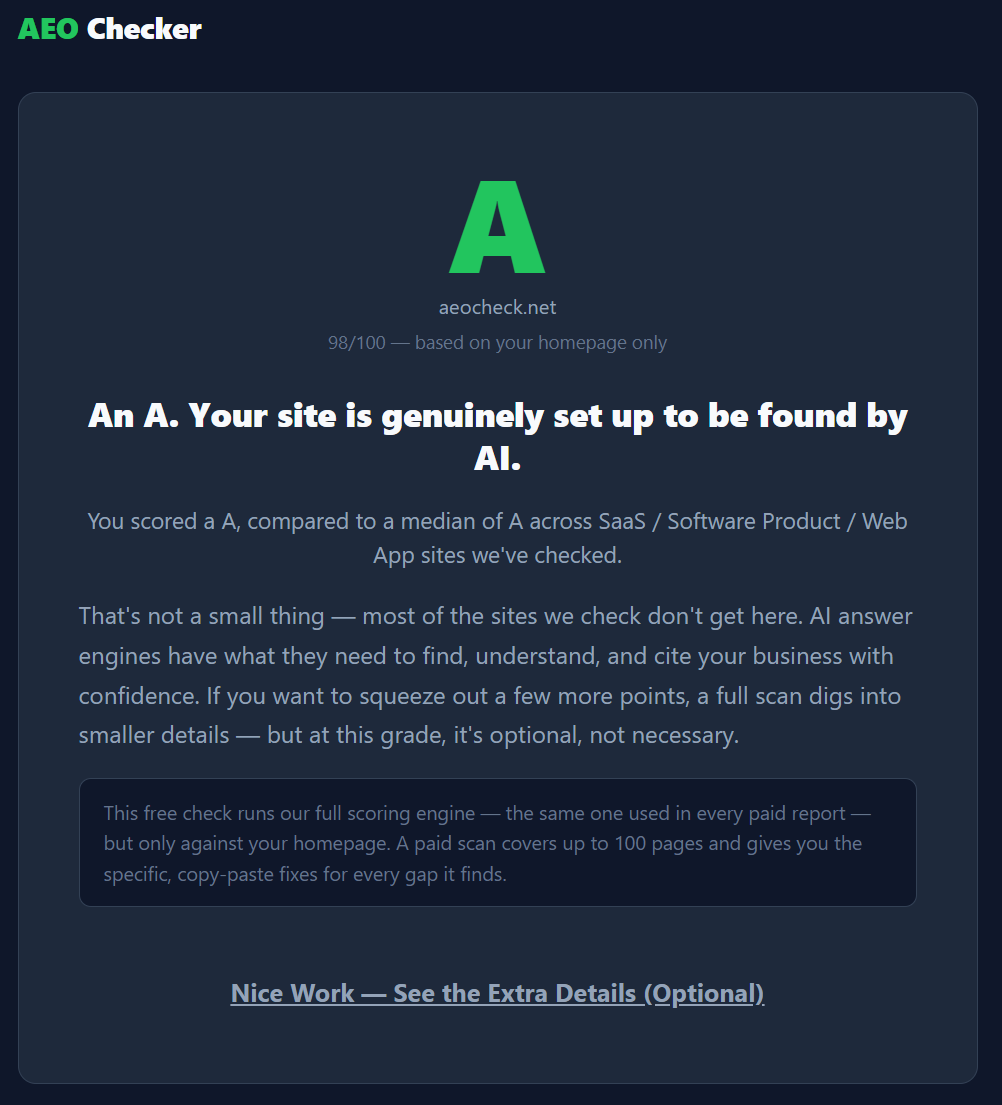
You'll get a letter grade, A through F, on the same 0–100 scale used across every tier of the paid product. The grade itself is the headline you can say out loud in a meeting: "you're a C-minus on AI visibility." But the grade alone doesn't tell your client anything they can act on — the module breakdown does.
Step 3: Walk the six-module breakdown
Under the grade, you'll see how the site scored across six areas:
- Structured data — does the site have schema markup (LocalBusiness, FAQPage) that tells AI engines exactly what the business is and does?
- Content structure — are headings phrased as questions, is there an FAQ section, is there enough content depth?
- Entity and trust — does the business read as a verifiable, real entity (consistent name/address/phone, an About page, links to other verified profiles)?
- AI crawler access — does robots.txt actually allow GPTBot, ClaudeBot, PerplexityBot, and the others, or is something silently blocking them?
- Technical health — HTTPS, sitemap, canonical tags, mobile viewport, visible dates.
- llms.txt — does the site have this AI-specific summary file at all?
This is the part you actually bring to the client conversation. "You're not in ChatGPT" is a symptom. "Your robots.txt is blocking GPTBot, and you have no schema markup at all" is a cause — and a cause is something you can propose fixing.
Step 4: If it's your own site, notice the bonus
If you run the free check on a site you own — there's a "this is my site" confirmation — you may also see a short line describing how one AI model currently characterizes the business, as a snapshot. That's a nice bonus when you're checking your own brand, but it's a single model, a single moment in time, not a tracked or ongoing signal, and it's not something we generate for competitor or prospect scans. When you're running this on a client or prospect site, what you're working with is the grade and the module breakdown — and that's plenty to start a real conversation.
Step 5: Turn the diagnosis into the next step
Once you and the client both know it's a C-minus because of missing schema and a blocked crawler directive, the natural next question is "so what do we do about it." That's where the paid audit comes in — it runs the same six modules across up to 100 pages depending on tier, and instead of stopping at the diagnosis, it hands over the fix: step-by-step instructions for the three biggest problems, plus three ready-to-paste assets (a filled-in llms.txt file, LocalBusiness/FAQPage schema, all personalized to their business) that a developer can implement the same day.
Pricing is one-time, no subscription: Quick Scan at $19.95 for up to 20 pages, Full Audit at $39.95 for up to 50 pages, Deep Scan at $69.95 for up to 100 pages with a per-page checklist. Every tier includes the full report and comes with a 30-day money-back guarantee, delivered by email in under 5 minutes.
You went from "let me look into that" to a documented grade, a specific cause, and a priced next step — in one meeting. Run the free Grade Check below to see where your next client stands.
Frequently Asked Questions
Do I need to own a website to run its AI visibility check?
No. Most AI-visibility graders only check your own brand, but the free Grade Check runs on any URL — including a prospect's site or a client's — with no ownership verification required.
Is the free Grade Check the same scoring engine as the paid audit?
Yes. It runs a real single-page scan through the same crawler and scoring logic as the paid tiers, just on a smaller scope — one page instead of up to 100.
Does the free Grade Check require a credit card?
No. It only asks for an email address to send the result — no account and no card.
What does the free Grade Check actually score?
The same six modules as the paid audit: structured data, content structure, entity and trust, AI crawler access, technical health, and llms.txt.